Features / Find leads
Driving for dollars
Parked in front of a rough house? Get the owner in seconds.
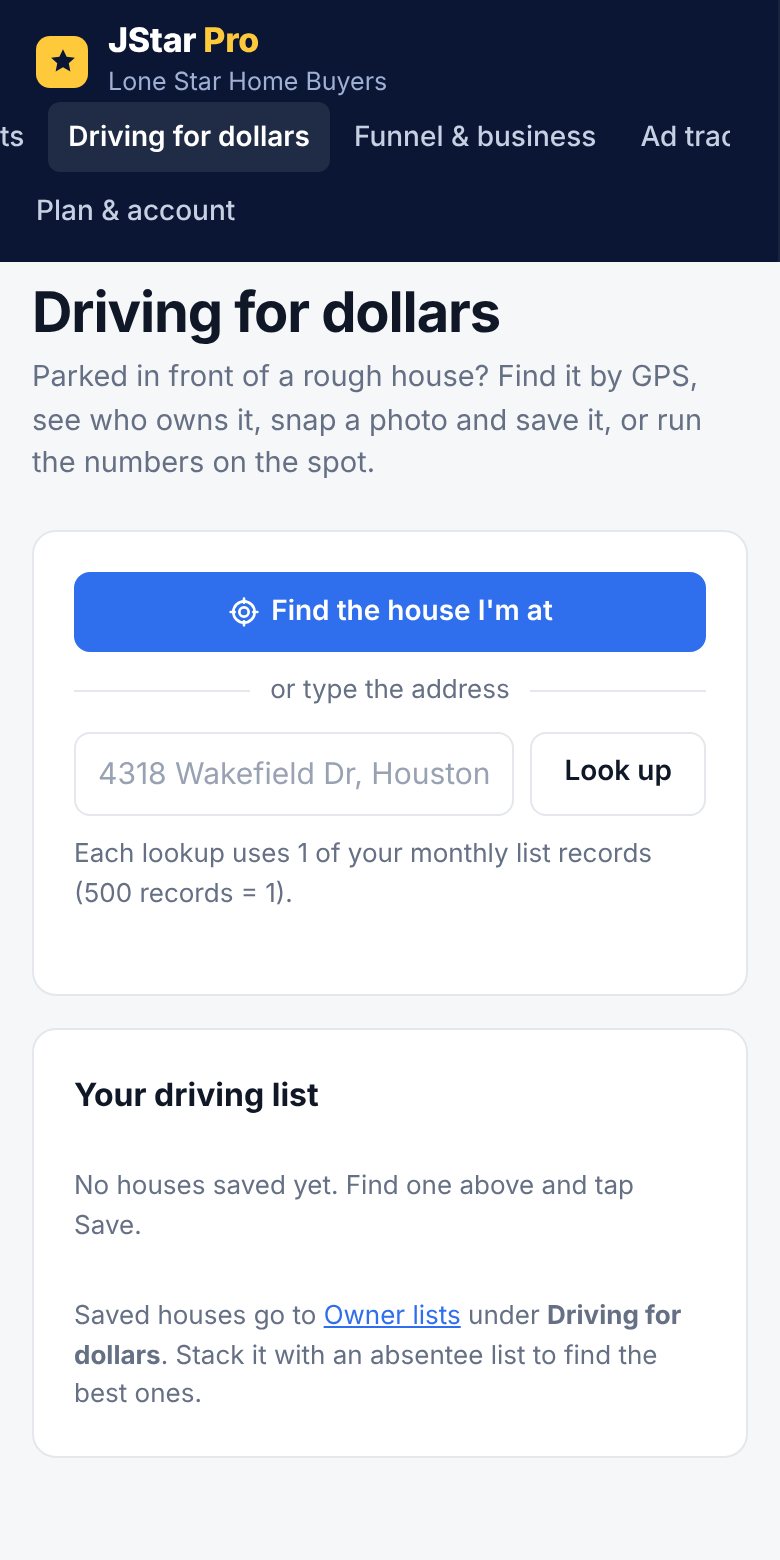
Tap Find the house I'm at or type the address. See who owns it, snap a photo, save it to your driving list, or run the numbers right there from the curb.
- Every tool on every plan
- 3 days free
- Cancel anytime
How it works
- Find the houseUse your phone's GPS or type the address.
- See the owner, save itOwner of record, a photo and your notes go on your driving list.
- Work itRun the numbers, skip trace the owner, or stack your list with absentee owners.
What's included
- GPS lookup
- Finds the property you're parked in front of.
- Owner of record
- Who owns it and where they get their mail, so you can tell an absentee owner at a glance.
- Photos and notes
- Snap the condition and save it with the house.
- Run the numbers on the spot
- Send it straight to the deal analyzer for ARV, repairs and your offer.
- Driving list
- Saved houses go to Owner lists, where you can stack them with an absentee list to find the best ones.
- Uses your list records
- Lookups come out of your monthly owner list records.
Instead of DealMachine $119/mo: included on every plan, alongside every other tool, from $89/mo.
Start free trialQuestions
Still have questions?Talk to the founder for 15 minutes. We'll walk through how you'd use it.Hop on a call
Is there an app to download?
No download needed. JStar Pro runs in your phone's browser. Add it to your home screen and it opens like an app.
Works with
It's all one app.
Driving for dollars shares data with every other tool, so nothing gets retyped.
See it work on your own deals.
Try Driving for dollars and every other tool free for 3 days. Plans from $89/mo after that, and if you cancel before day 3 you pay nothing.